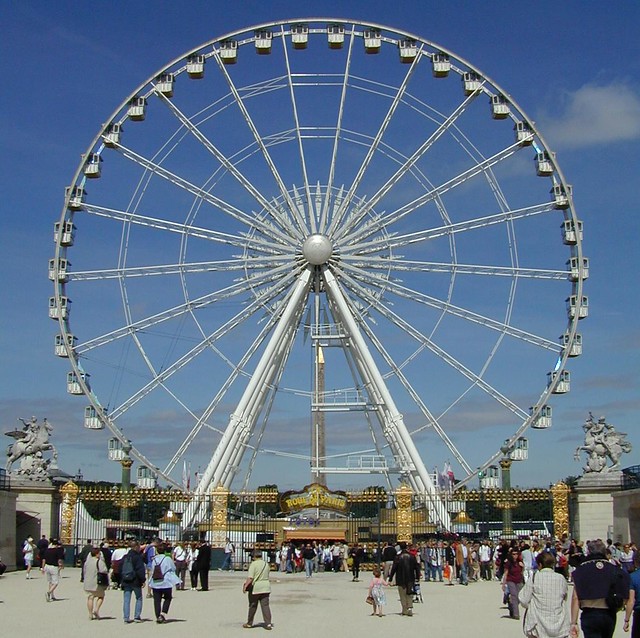
Et voila, as the French would say!
Took me quite some time but I finally got the ferris wheel to look like a ferris wheel. The wheel was just keyframed to rotate 360 degrees. The carts proved tricky at first — initially I simply parented the carts to the wheel as it rotated, which didn't exactly work. You can see what happened:
Obviously the rotation is all wrong and the carts remain upright and stationary, floating all over the place. In order to make them appear to be effected by gravity I had to have them rotate in the opposite direction to the wheel... whilst continuing to follow its overall rotation. Confused? I sure was!
Fortunately I managed to dig up some information and helpful tutorials to help me out!
After Effects has a brilliant set of features called Expressions. Expressions are little JavaScript-based pieces of code that allow you to get really deep into an object's parameters (opacity, position, etc) and control it in a much more precise way. The great thing about expressions is that they work alongside existing keyframes rather than replacing them. This allowed me to keep the overall motion path (i.e. the rotation of the wheel) whilst have them counter-rotate as they span to maintain the feeling of gravity.
The first thing I had to do was split each of those carts onto a separate layer. This allowed me to set the anchor point of each individual cart to the point where it connects to the main wheel, so that it would swing from that point only.

After that lengthy and boring process, I then parented each cart to the wheel so that it would follow the rotation.
I then had to add an expression to each cart layer that would basically tell the cart to remain vertical even as the wheel rotated.

To add an expression, select the parameter of the layer you want to parent (in this case, the rotation of one of the cart layers) and go to Animation -> Add Expression.
 |
| (Naughty Alex hasn't labeled his layers) |

A new text field will open up within the timeline and this is where you scribble all your Expressions. The first half of the code was automatically inserted — from what I gather it's simply telling this layer to mimic the rotation of "Layer 2". The only part of code I added was "*-1" which literally means "multiply by -1," i.e reversing the rotation. Multiplying anything by -1 within After Effects gives you its opposite — don't ask me why, I'm not a maths person!
I then had to repeat this process for infinite (or until all my carts were done at least)
The final result one more time:
Overall I'm pretty pleased with the movement, less so with the vector image. I think it's a little too quick but that's easily rectifiable. I'm still annoyed at having accidentally picked a stock image. Though it wouldn't take a terribly long time I'm just a little miffed at the prospect of re-doing another image!
At any rate, I have the flu (again), my ears are ringing and my mouth tastes like mushroom soup (?!). I'm going to bed!